Nissan Almera 2008 Unlock Code⚡
2nd Gen | Instant Retrieval | 24/7 Service
View our complete Refund Policy.
1. Turn on your Nissan Almera 2008
2. Your radio will display "Enter Code" or "CODE"
3. Use preset buttons to enter each digit
4. Press and hold button 6 to confirm
5. Your radio unlocks immediately!

How to get your Nissan Almera 2008 radio code?
1. Find the serial number on your radio. Press preset buttons 1 & 6 for 2-3 seconds. Serial number will appear on screen. No VIN required!
2. Enter your serial number in the field on the left
3. Proceed to checkout to instantly receive your unlock code
Compatible Radio Types:
- Nissan Connect
- Clarion
- LCN
Serial Number Patterns:
Your radio serial may start with: BP, CN, LCN
Serial Number Examples:
BP1092X1231234
(BP)
CL094390003175
PN2804FB0122741
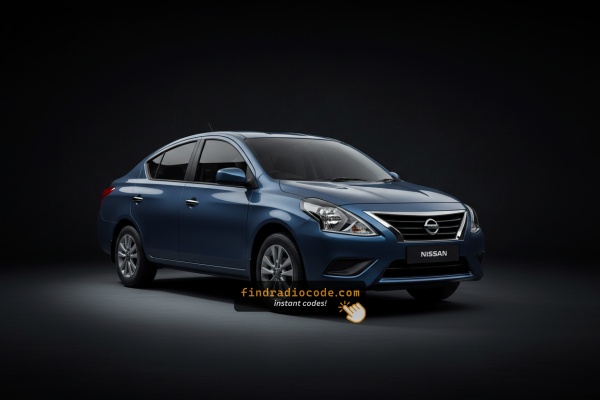
About 2008 Nissan Almera (2nd Gen)
Your 2008 Nissan Almera (2nd Gen) came equipped with OEM radio units that require unlock codes when battery is replaced. Our service provides rapid radio code retrieval for all 2008 Nissan Almera models.
Common Reasons for Radio Lock:
- Battery disconnection or removal
- Electrical maintenance in your 2008 Almera
- Radio replacement
- Fuse replacement
- Jump-starting after dead battery
- Purchased pre-owned vehicle without code card
Why Our Service is Better:
⚡ Instant vs Days of Waiting
Dealer: 2-5 business days
Our service: Seconds
💰 $9.99 vs $120+ Dealer Price
Dealer: $120-$200
Our service: $9.99
No VIN required - just your radio serial number! Works for all 2008 Nissan Almera trim levels and radio variants.